
Workflow automation, customer support flows, lead qualification, CRM integrations and real business scenarios are used to test 20+ AI chatbot platforms in 6 weeks. This article is a guide for the readers that covers the top 10 best AI chatbots for business in 2026, along with their pricing, compliance info and a step-by-step framework to help the businesses make the right selection.
This article covers:
What AI chatbots for business are (and key differences vs AI agents)
How the top AI chatbots were tested and ranked (evaluation criteria)
Quick comparison of the 10 best AI chatbots in 2026
Detailed breakdown of top tools (features, pricing, pros & cons)
Best chatbot recommendations by business type and use case
A 5-step framework to choose the right AI chatbot
ROI benchmarks and expected business impact
Integration requirements, security, and compliance considerations
Implementation roadmap, common mistakes, and FAQs
What Is an AI Chatbot for Business? (And What It Isn't)
An AI chatbot is a software that is developed for businesses that use artificial intelligence, specifically for machine learning and natural language processing, to hold conversations with their clients or employees, answering questions and taking automated actions across their business operations.
Not all chatbots are the same. Here's the distinction most blogs skip:
Type | What It Does | Best For |
Rule-based Chatbot | Follows fixed scripts and menus | Basic FAQ, simple routing |
AI Chatbot | Understands natural language, learns from conversations | Customer support, lead gen |
AI Agent | Takes multi-step actions across integrated tools | Sales automation, ops workflows |
The present-day AI chatbots for businesses sit between the second and third categories. These tools understand the context, integrate with existing CRM and helpdesk, remember the past conversations and then hand off to the humans when needed.
How We Tested and Ranked These AI Chatbots?
We evaluated 20+ platforms against real business scenarios by uploading contracts, running live support flows, testing lead qualification, and building automated workflows. Here's our scoring rubric:
Criteria | Weight | What We Measured |
Response Accuracy | 25% | Correct, contextual answers from knowledge base |
Agentic Capabilities | 20% | Ability to take actions, not just respond |
Integrations | 20% | Number and quality of CRM, helpdesk and commerce connections |
Ease of Setup | 15% | Time from signup to first live bot |
Pricing Transparency | 10% | Clear pricing with no hidden fees |
Security & Compliance | 10% | GDPR, HIPAA, SOC 2 certifications |
Quick Comparison Table — All 10 AI Chatbots at a Glance
Tool | Best For | Starting Price | Free Plan | G2 Rating |
ChatGPT Enterprise | General-purpose, all teams | $25/user/mo | Yes | 4.7/5 |
CustomGPT AIQ | Lead generation, customer support and AI knowledge assistants | €19/month | No (Demo available) | 4.5/5 |
Tidio (Lyro) | E-commerce support | $39/mo | Yes | 4.7/5 |
Zendesk AI | Enterprise support at scale | $55/agent/mo | Trial only | 4.3/5 |
HubSpot Chatbot | HubSpot CRM users | Free / $45/mo | Yes | 4.4/5 |
Lindy | Business automation & agents | $49/mo | Yes (40 tasks) | 4.6/5 |
ManyChat | Social media & Instagram DMs | $14/mo | Yes | 4.6/5 |
Drift | B2B enterprise sales | $2,500/mo | No | 4.4/5 |
Chatbase | Custom knowledge base bots | Free / $40/mo | Yes | 4.5/5 |
Intercom (Fin AI) | Customer support automation | $39/seat/mo | Trial only | 4.5/5 |
Top 10 Best AI Chatbots for Business in 2026
1. ChatGPT (OpenAI) — Best General-Purpose AI Chatbot for Business
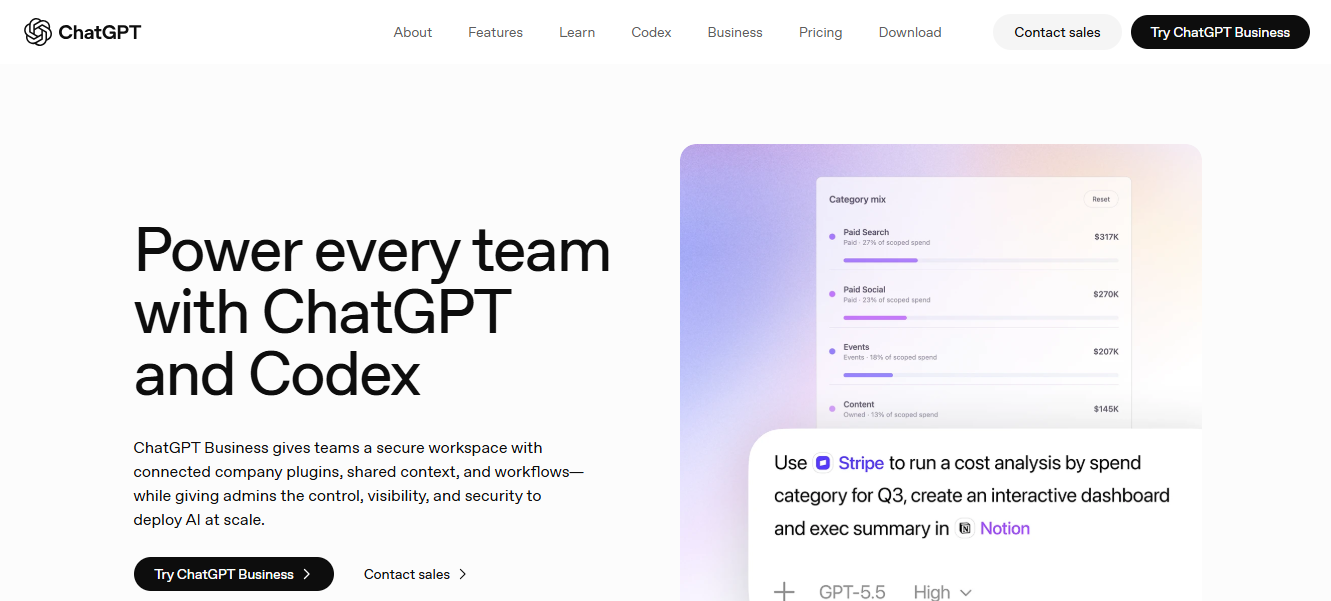
Verdict: The most versatile AI chatbot for businesses that need one tool to serve every department — from marketing and sales to engineering and HR.
Key Features:
Unlimited GPT-4o and GPT-4.5 access on Business/Enterprise plans
Knowledge connectors for Google Drive, SharePoint, GitHub, and Dropbox
Deep Research agents that synthesize information across dozens of sources
Canvas mode for collaborative document editing
Custom GPTs to build department-specific assistants
Pricing:
Free plan available (GPT-4o mini access)
Business: $25/user/month (billed annually)
Enterprise: Custom — includes HIPAA BAAs, SSO, and advanced admin controls
Pros:
No need to have a specilised setup to handle the widest range of business tasks
High security is provided, matching enterprise-grade standards (SOC 2 Type 2, HIPAA, CCPA compliant).
Source-cited responses reduce hallucinations on business data
Cons:
Not a purpose-built customer-facing chatbot — requires setup for support use cases
Cost scales quickly for large teams
Best Used By: This tool is an ideal option for businesses from mid-size to enterprise-level that want a single AI platform across all their departments.
Skip If: If you are looking for no setup time and just need a plug-and-play customer support chatbot, then this is not for you.
2. Custom GPT AIQ — AI-Powered Knowledge Assistant for Business Productivity & Customer Support
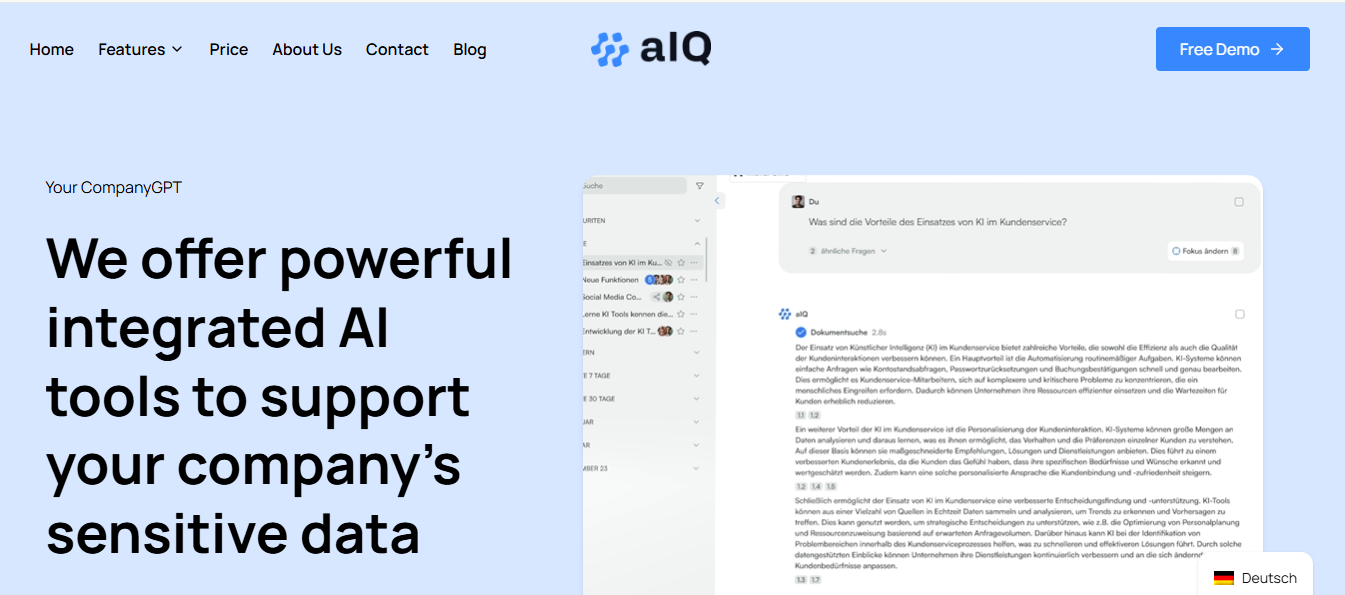
Verdict: Custom GPT AIQ ("aIQ") is a German-based, no-code AI assistant platform that helps businesses centralize their knowledge, automate internal and customer-facing queries, and optionally run on self-hosted or open-source models for full data control. It's positioned more as a company knowledge and productivity assistant than a dedicated lead-generation tool.
Key Features:
Company Knowledge Assistant: Trains on your business documents, websites, and internal data so the AI understands your company's specific terminology and processes.
Open-Source & On-Premise Options: Supports open-source LLMs and on-premise/local deployment, so sensitive data never has to leave your infrastructure.
GDPR-First Data Handling: Hosted on GDPR-compliant EU servers, with an external data protection officer overseeing compliance — a strong fit for privacy-conscious EU businesses.
No-Code Setup: Upload documents and connect data sources without needing technical or LLM expertise.
Cross-Department Use Cases: Used for knowledge management, marketing support, customer support, and HR — not narrowly built around sales funnels.
Pricing:
Basic Plan: €19/month + one-off setup fee
Standard Plan: €29/month + one-off setup fee
Higher tiers: Custom pricing for advanced/on-premise deployments
Pros:
Strong data privacy posture — GDPR compliance, on-premise/open-source options, no third-party LLM training on your data
No-code setup, accessible to non-technical teams
Versatile across knowledge management, support, marketing, and HR use cases
EU-hosted infrastructure, appealing to businesses with strict compliance needs
Cons:
No permanent free plan — only a free demo
Not purpose-built for lead generation or sales-funnel automation, despite some marketing language suggesting otherwise
Less detail publicly available on advanced analytics or multi-channel integrations compared to larger competitors
Smaller, lesser-known platform vs. established alternatives, so fewer independent reviews to validate claims
Best Used By: EU-based or privacy-conscious businesses, internal knowledge/IT teams, HR departments, and marketing teams looking for an in-house AI assistant with strong data control — rather than companies specifically seeking a dedicated lead-generation chatbot.
Skip If:
You need a full-scale customer support suite with advanced ticketing, workforce management, and omnichannel service operations.
3. Intercom (Fin AI Agent) — Best AI Chatbot for Customer Support
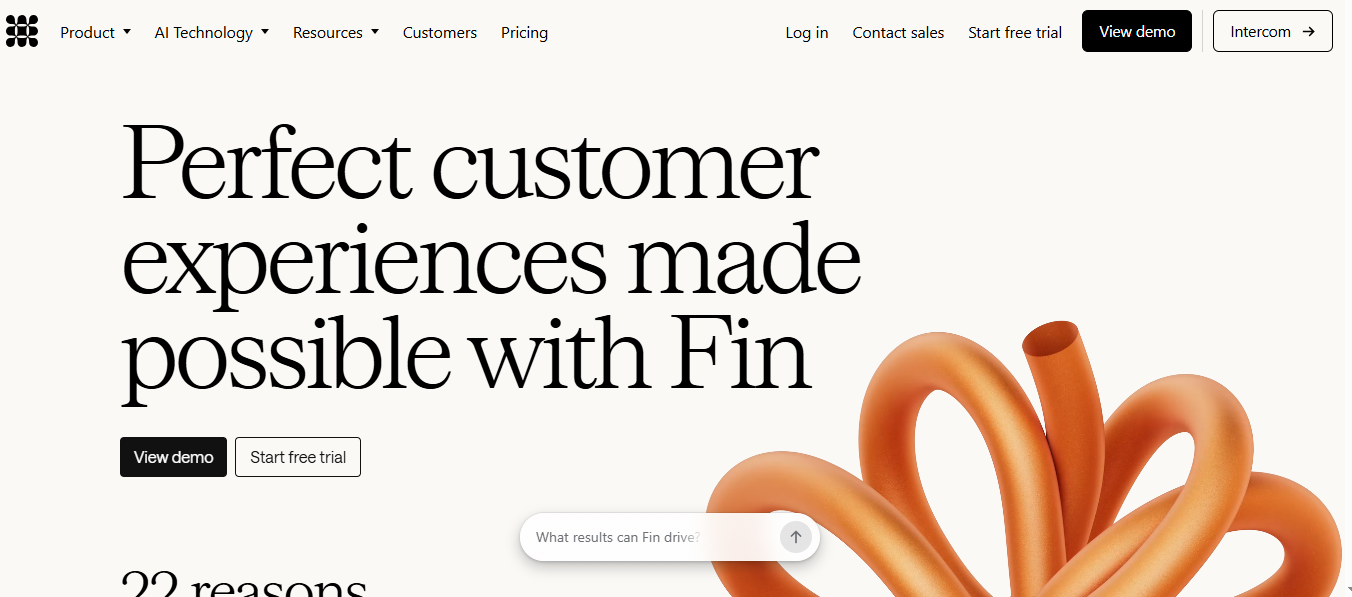
Verdict: Intercom’s Fin AI Agent helps in resolving up to 70% of the support tickets before a human ever sees them. This is the gold standard for AI-powered customer support.
Key Features:
Fin AI Agent: Trained on your help center, resolves complex multi-step queries
AI Copilot: The human agents are given suggested knowledge lookup and replies
Omnichannel support: Support on various communication channels, such as Web, SMS, WhatsApp, email and in-app messaging
Behavioural targeting: There are messages triggered based on user actions
Resolution rates, deflection metrics and CSAT scores are used for advanced reporting
Pricing:
Starter: $39/seat/month
Pro: Custom pricing
14-day free trial available
Pros:
Best-in-class AI resolution rates for customer support
Seamlessly blends AI and human support in one workspace
Strong behavioural targeting for SaaS and product companies
Cons:
Can reach $300+/month for growing teams
Overkill for businesses without a dedicated support operation
Best Used By: SaaS companies, tech startups, and mid-market businesses with high support ticket volume.
Skip If: You're a solo operator or run a simple product with minimal support needs.
4. Tidio (Lyro AI) — Best AI Chatbot for E-commerce
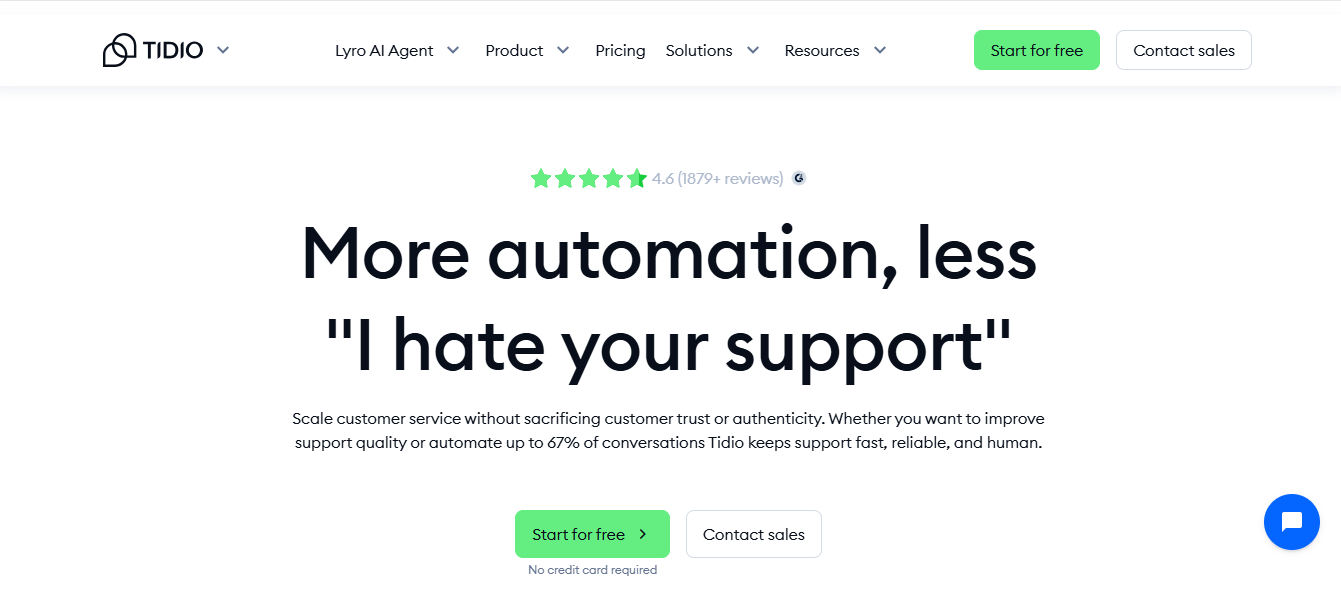
Verdict: Tidio's Lyro AI delivers exceptional value for e-commerce businesses — answering questions about orders, returns, and availability 24/7 without extra headcount.
Key Features:
Lyro AI: Conversational AI trained on your store's FAQ and content
Flows: Visual drag-and-drop automation for checkout abandonment and order tracking
Lyro Connect: Native Shopify and WooCommerce integration for order data
Visitor tracking: Trigger proactive conversations based on browsing behaviour
Live chat handoff: Smooth escalation to human agents
Pricing:
Free: Up to 50 conversations/month
Starter: $39/month
Lyro AI: From $39/month
Pros:
Genuinely useful free tier for small stores
Set up in under 30 minutes, the Shopify plugin is one click
Handles common e-commerce queries extremely well
Cons:
AI accuracy drops on complex or nuanced questions
After the first 100 conversations, the paid package becomes expensive per month.
Best Used By: This tool is perfect for e-commerce stores on WooCommerce or Shopify that want support 24/7 without extra headcount.
Skip If: Do not select this tool if you need the chatbot to take actions directly without any human interference. Actions like updating orders or processing refunds.
5. Zendesk AI — Best AI Chatbot for Enterprise Support at Scale
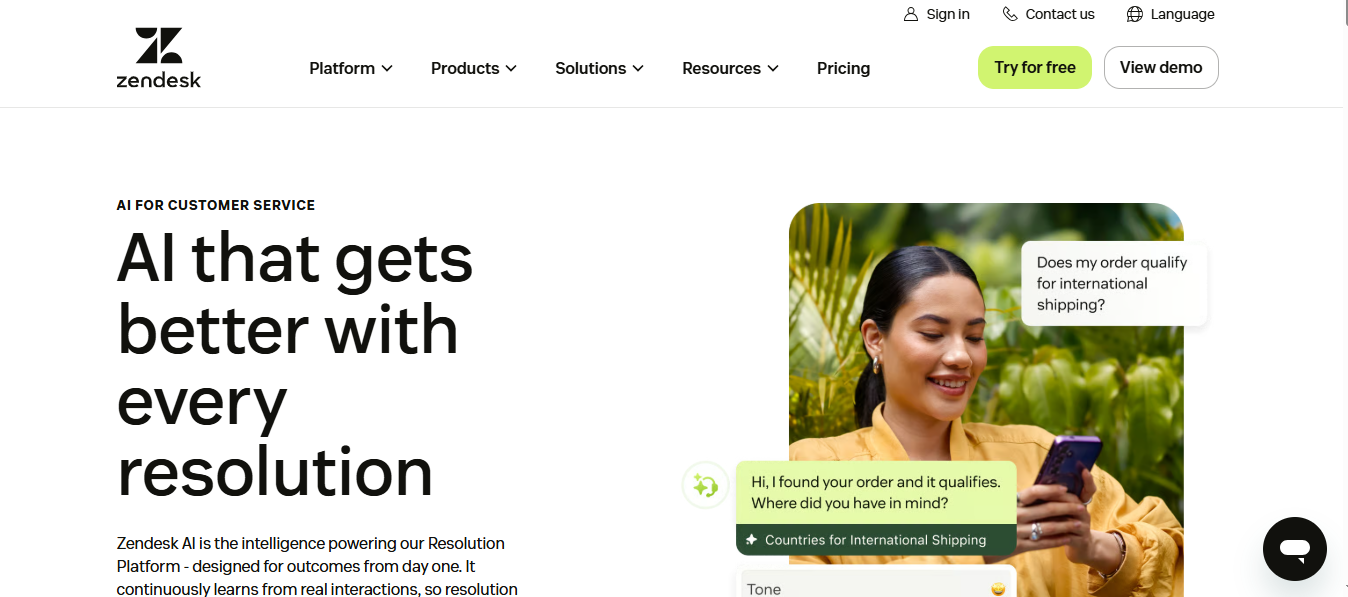
Verdict: This tool is a popular choice amongst the businesses that need omnichannel support, compliance controls, automation with deep reporting and have a mature ticketing system underneath.
Key Features:
The AI Agents are specifically trained for customer support conversations
Agent Workspace: All the chat, phone, social and email inboxes are unified
Intelligent triage: The tool automates priority, routes tickets and also auto-categorises on its own.
AI-powered call summaries with voice support
Compliance: SOC 2, ISO 27001, GDPR, HIPAA (Enterprise plan)
Pricing:
Suite Team: $55/agent/month
Suite Growth: $89/agent/month
Suite Professional: $115/agent/month
Enterprise: Custom pricing
Pros:
Most mature enterprise support platform on this list
Robust reporting and analytics dashboard
Strong compliance certifications for regulated industries
Cons:
Steep learning curve — full setup can take weeks
High per-agent cost makes it prohibitive for small teams
Best Used By: Enterprises and fast-growing companies with a dedicated support team of 10+ agents.
Skip If: You're a small business or startup — the cost and complexity far exceed your needs.
6. HubSpot Chatbot — Best AI Chatbot for HubSpot CRM Users
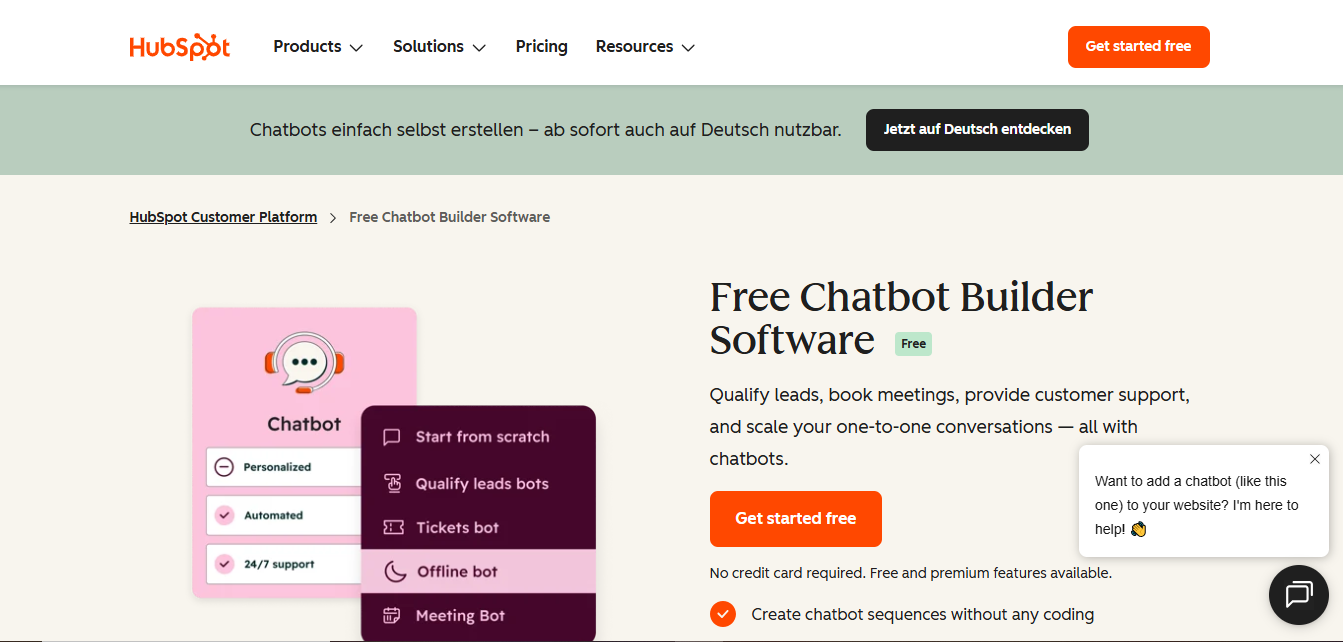
Verdict: If you're already in HubSpot's ecosystem, their chatbot is the no-brainer choice. Zero integration friction, automatic CRM sync, and free to start.
Key Features:
Native CRM integration: Every chat automatically creates or updates a contact record
Chatbot builder with if/then logic and AI-powered responses
Meeting booking directly inside chat — syncs with HubSpot calendar
Lead qualification flows that score and route leads based on conversation data
Works across website chat, Facebook Messenger, and email
Pricing:
Free: Basic chatbot included with all HubSpot plans
Starter: $45/month
Professional: $800/month (includes advanced automation)
Pros:
Zero setup time if you use HubSpot — it just works
Free tier is functional for basic lead capture
Data flows automatically without Zapier or API connections
Cons:
Severely limited value if you don't use HubSpot CRM
AI quality is basic compared to dedicated platforms
Best Used By: SMBs and mid-market companies already running HubSpot for CRM and marketing.
Skip If: You're not a HubSpot user — there are better standalone options at every price point.
7. Lindy — Best AI Agent Platform for Business Automation
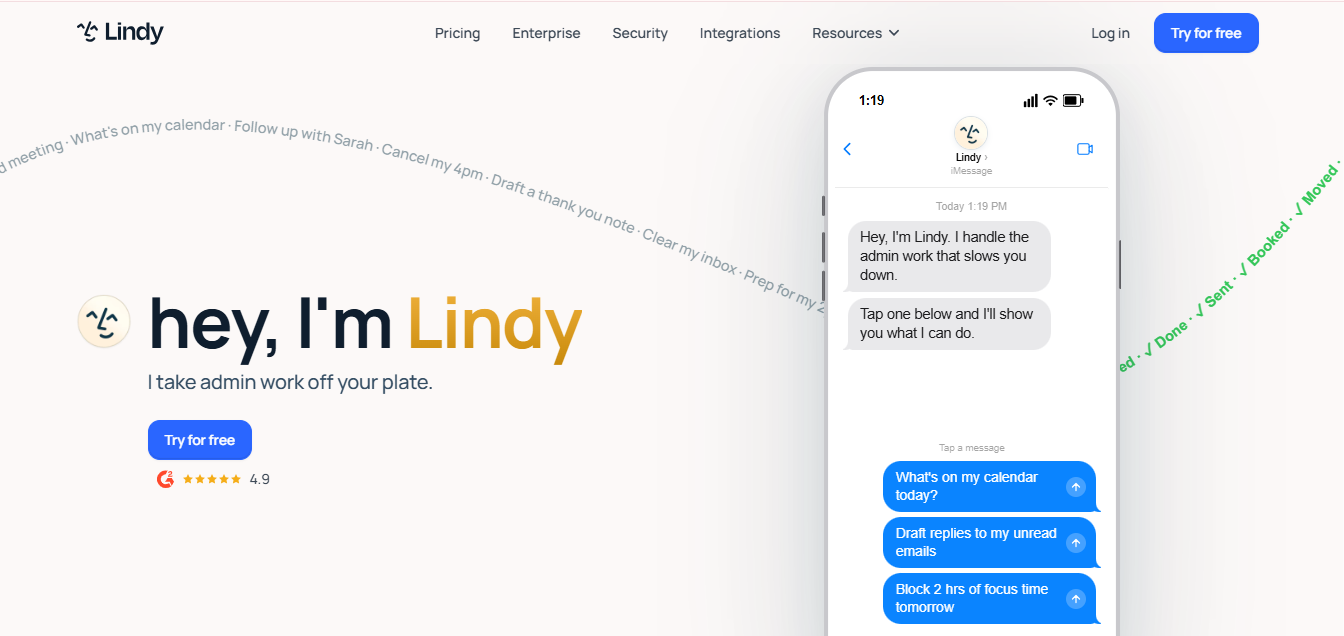
Verdict: Lindy goes beyond chatbots — it's a multi-agent automation platform that handles email triage, meeting scheduling, CRM updates, and support tickets simultaneously.
Key Features:
Multiple AI agents working in parallel, each with a defined role
Visual no-code workflow builder
Human-in-the-loop (HITL): Agents pause for your confirmation before critical actions
7,000+ app integrations including Slack, Notion, Gmail, Salesforce, and HubSpot
Pre-built templates for support, sales, and meeting notes workflows
Pricing:
Free: 40 tasks and 400 credits/month
Pro: $49/month (5,000 credits, up to 1,500 tasks)
Enterprise: Custom pricing
Pros:
Genuinely automates multi-step workflows — not just Q&A
Human-in-the-loop keeps you in control of high-stakes actions
Impressive breadth of integrations
Cons:
Steeper learning curve than plug-and-play chatbots
Results depend on quality of training and workflow setup
Best Used By: Ops-heavy businesses and teams that currently rely on virtual assistants for repetitive tasks.
Skip If: You need a simple customer-facing FAQ bot with no automation complexity.
8. ManyChat — Best AI Chatbot for Social Media & Messaging
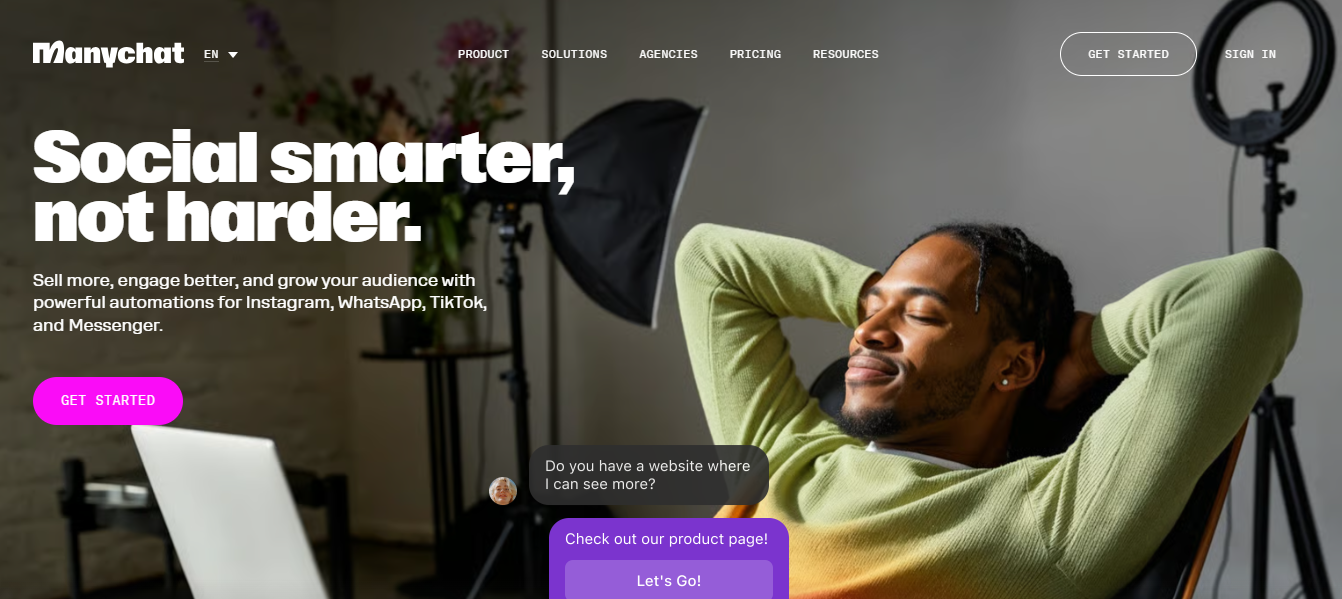
Verdict: ManyChat owns social media automation. If your customers live on Instagram, Facebook, or WhatsApp, ManyChat turns comments and DMs into sales.
Key Features:
AI Flow Builder: Automates responses across Instagram, Facebook Messenger, and WhatsApp
AI Intention Recognition: Understands varied phrasings and routes accordingly
Comment-to-DM automation: Reply to post comments with instant personalized messages
Broadcast campaigns: Send promotions to your subscriber list
Growth tools: Keyword triggers, story replies, and opt-in flows
Pricing:
Free: Up to 1,000 contacts
Pro: $15/month (unlimited contacts, advanced flows)
Premium: Custom pricing for agencies
Pros:
Most affordable entry point on this list
Extremely strong Instagram and Facebook automation
Active community with hundreds of free templates
Cons:
Limited to social media — no native website chat or email
AI sophistication lags behind enterprise tools
Best Used By: DTC brands, content creators, coaches, and e-commerce businesses with active social media presence.
Skip If: You need a website chatbot or omnichannel support platform.
9. Drift — Best AI Chatbot for B2B Enterprise Sales
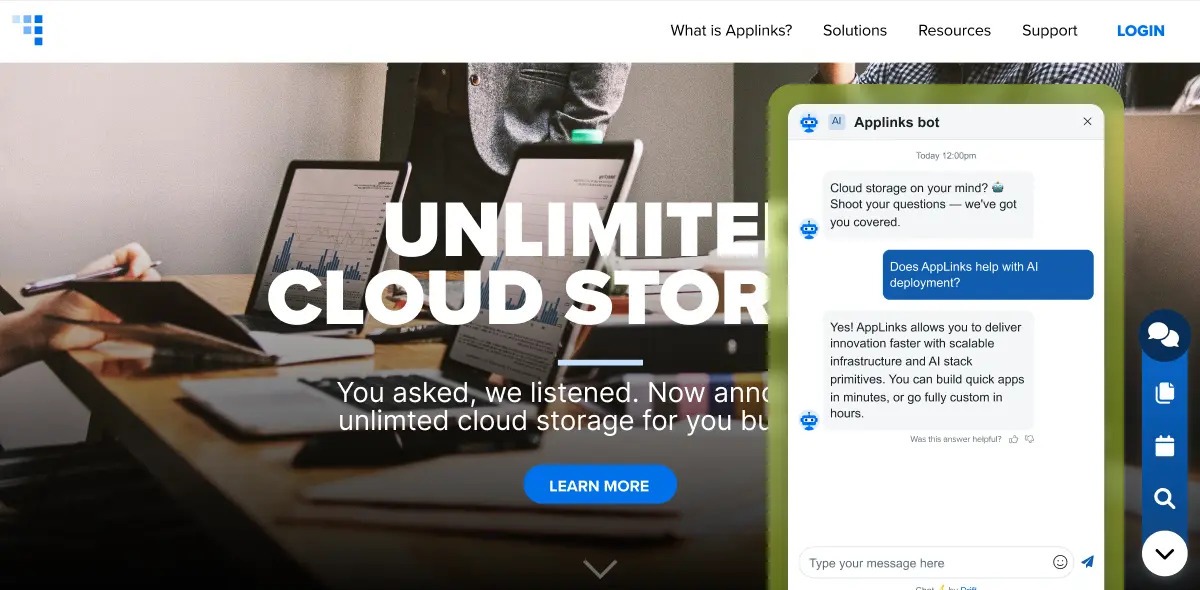
Verdict: Drift is the most powerful B2B revenue platform on this list — but at $2,500/month, it only makes sense for enterprise sales with long cycles and high deal values.
Key Features:
AI-powered lead qualification based on firmographic data and behavior
Account-based marketing (ABM): Target specific companies visiting your site
Instant routing to the right sales rep based on territory and account tier
Meeting booking in seconds — prospects go from chat to calendared instantly
Real-time sales alerts for immediate engagement with hot prospects
Pricing:
Premium: Starting at $2,500/month
Advanced and Enterprise: Custom pricing
No free plan or trial
Pros:
Best-in-class for B2B pipeline generation
ABM targeting is unmatched for enterprise sales teams
Speed-to-lead measured in seconds
Cons:
Extremely expensive — unsuitable for SMBs
Narrowly focused on sales, not general customer support
Best Used By: B2B SaaS, professional services, and enterprise tech companies with significant sales budgets.
Skip If: You're a small business, B2C company, or primarily need support (not sales) automation.
10. Chatbase — Best AI Chatbot for Custom Knowledge Base Bots
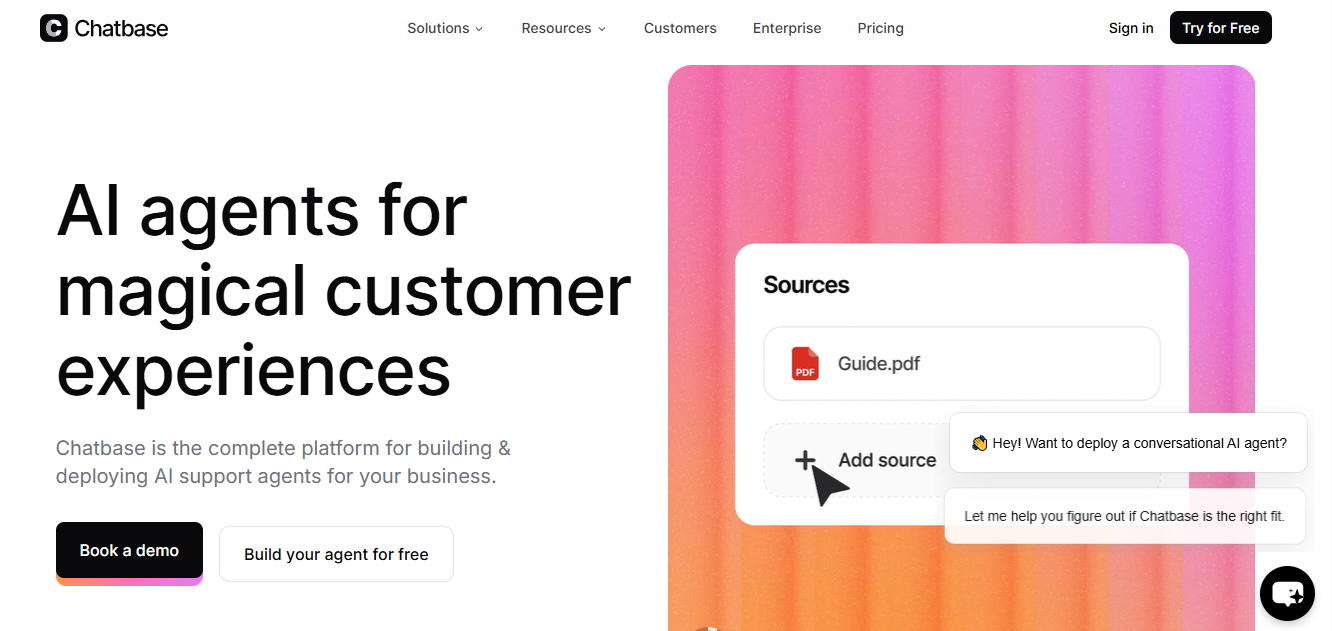
Verdict: The fastest way to build a custom AI chatbot trained on your own business data — no coding, no complex setup, live in minutes.
Key Features:
Train on your website, uploaded documents (PDF, DOCX, TXT), or FAQs
Simple embed via copy-paste code snippet
Integrations with Slack, Stripe, Calendly, Shopify, WordPress, and Zendesk
Lead capture forms inside the chat widget
White-label branding on higher tiers
Pricing:
Free: 1 chatbot, 30 message credits/day
Hobby: $19/month
Standard: $49/month
Unlimited: $399/month
Pros:
Fastest setup of any tool on this list — under 10 minutes
Excellent for teams with rich documentation
Clean, modern UI that looks great on any website
Cons:
Limited automation — primarily Q&A focused
Analytics are basic compared to enterprise tools
Best Used By: Agencies, SaaS companies, and professional service firms who want to deflect repetitive support questions instantly.
Skip If: You need the chatbot to take actions like booking meetings, updating CRM, or processing orders.
AI Chatbots by Business Type — Which One Fits You?
Best AI Chatbot for E-commerce Businesses — Tidio (Lyro AI)
E-commerce businesses need a chatbot that knows their product catalogue, order status, and return policies — and can answer at 3 AM when the customer is anxious about a shipment. Tidio's Shopify and WooCommerce integrations make this seamless. Zendesk AI offers more power and reporting depth to large-scale stores that have 100K+ monthly visitors.
Best AI Chatbot for SaaS & Tech Companies — Intercom (Fin AI)
The SaaS companies are in need of an AI that learns from support tickets, has behavioural targeting and in-app messaging. Intercom’s Fin AI gets smarter with every interaction and resolves the majority of tier-one tickets. Pair with ChatGPT Enterprise for internal team productivity.
Best AI Chatbot for Healthcare & Regulated Industries — ChatGPT Enterprise or Zendesk
The financial services and Healthcare businesses need SOC2 and HIPAA Type 2 adherence above everything else. Therefore, verify the compliance needs directly with the vendor before deployment as both ChatGPT Entreprise (with HIPAA BAA) and Zendesk Entreprise offer the required certifications.
Best AI Chatbot for Retail & Brick-and-Mortar — ManyChat + HubSpot
Retail businesses with strong social media presence benefit from ManyChat for Instagram and Facebook engagement, paired with HubSpot's free chatbot for website lead capture and appointment booking.
Best AI Chatbot for B2B Sales Teams — Drift or Lindy
Drift is a tool that should be considered by those B2B companies that have large budgets. As far as the SMBs and mid-market teams are concerned, these teams need AI to automate lead follow-up, CRM updates and meeting scheduling. While Lindy provides with a far better value at $ 49 per month basis.
Best AI Chatbot for Startups on a Budget — Chatbase or Tidio Free
Start with Chatbase (free plan covers one bot with daily credits) or Tidio's free tier (50 conversations/month). Both allow you to launch a real AI support bot with zero upfront cost and upgrade as you grow.
How to Choose the Right AI Chatbot — 5-Step Framework
Making the selection of the wrong chatbot wastes the efforts and hard work put over the months in setting up and paying thousands in licensing fees. Before making the selection, follow the framework mentioned below, and then sign any paperwork.
Step 1: Establish your primary use case
Are you trying to solve your challenge about customer support, generate leads, automate your internal processes, or increase your sales conversion? Before evaluating any software solutions, list the top 3 problems that the chatbot needs to help solve. The above listed use cases correspond to the above listed tool categories.
Step 2: Map your existing tech stack
Name all the tools that your team uses every day, such as CRM, helpdesk, e-commerce, communication. Your chatbot needs to be integrated natively to at least your CRM and helpdesk. Choose tools that have pre-integrated tools rather than those that will need custom API integration.
Step 3: Estimate Conversation Volume and Budget Ceiling
The majority of chatbot platforms charge fees based on the amount of conversations, seats or both. Determine the number of monthly conversations (visits to the website multiplied by the average chat rate (2-8%). Use your budget ceiling, a lot of tools will be cheap at smaller volume but expensive at larger volume.
Step 4: Check the compliance requirements
When it comes to healthcare, finance, legal or EU customer data, compliance is a must. Ensure you have GDPR data processing agreements available on the tool? Does it comply with HIPAA requirements and have a signed BAA? Does it have SOC 2 Type 2 certification? Steer clear of any tool that does not meet your needs.
Step 5: Select your 14-day pilot trial period
Never blow out the pilot. Install both tools with the same knowledge base, complete 50 test conversations and record the accuracy of the responses, the amount of calls resolved, the number of calls escalated, and the number of calls set up. Follow the data!
AI Chatbot ROI — What Results Should You Actually Expect?
This is what every business decision-maker needs before approving the budget — yet it's the section every competing blog skips. Here are real-world benchmarks:
Metric | Industry Benchmark | Top-Quartile |
Ticket deflection rate | 40–60% | 70–80% |
First response time reduction | 60–75% faster | Up to 90% faster |
Cost per support interaction | $5–$12 (human) | $0.50–$1.50 (AI) |
Lead qualification conversion lift | 15–25% improvement | Up to 40% |
Time to ROI (SMB) | 3–6 months | 1–3 months |
Time to ROI (Enterprise) | 6–12 months | 4–8 months |
Important: These numbers assume a well-trained knowledge base, clearly defined escalation paths, and ongoing optimization. A poorly configured chatbot can reduce CSAT — which is why the 14-day pilot is critical. |
AI Chatbot Integration Guide — Must-Have Connections in 2026
CRM Integrations
Connecting to your CRM (Salesforce, HubSpot, Pipedrive) lets the chatbot pull customer history, update contact records, and create deals without human intervention. This is the single highest-value integration for sales and support teams.
Helpdesk Integrations
For support teams, native helpdesk integration (Zendesk, Freshdesk, Intercom) ensures every chatbot conversation creates a ticket, preserves full transcript history, and routes to the right human agent queue.
E-commerce Integrations
Shopify and WooCommerce integrations unlock order status lookups, return initiation, and product recommendations — the top three customer support requests for any online store.
Communication Integrations
Slack and Microsoft Teams integrations enable internal AI bots that answer HR policy questions, surface relevant documents, and route requests to the right department — without employees leaving their existing tools.
Security, Compliance & Data Privacy — What Businesses Must Know
Security is the most common reason enterprise AI chatbot deployments get blocked by IT and legal teams. Here's what to verify:
Certification | What It Means | Tools With It |
SOC 2 Type 2 | Annual third-party audit of security controls | ChatGPT Enterprise, Intercom, Zendesk, Drift |
HIPAA | Healthcare data handling — requires signed BAA | ChatGPT Enterprise, Zendesk Enterprise |
GDPR | EU data processing agreements and data residency | All major tools (request DPA explicitly) |
ISO 27001 | International information security standard | Zendesk, Intercom |
Key questions to ask every vendor:
Where is customer conversation data stored (region/country)?
Is your data used to train the AI model? (Many tools default to yes)
What is the data retention policy and deletion process?
Is end-to-end encryption applied to conversation data?
Can you request full data deletion upon contract termination?
Common AI Chatbot Mistakes (And How to Avoid Them)
Mistake 1: Launching with a Thin Knowledge Base
A chatbot trained on 10 FAQs will frustrate customers when it can't answer question #11. Before launch, document every question your support team answers more than once per week. Aim for at least 100 Q&A pairs as a baseline.
Mistake 2: No Clear Escalation Path to Humans
AI chatbots that can't gracefully hand off to a human destroy customer trust fast. Every deployment needs a defined trigger: after 2 failed responses, escalate to live chat or create a support ticket automatically.
Mistake 3: Skipping A/B Testing on Conversation Flows
Most teams deploy a flow once and never revisit it. Small changes — a different opener, a reworded question — can dramatically improve conversion rates. Build testing into your first 90 days post-launch.
Mistake 4: Ignoring Mobile Experience
Over 60% of chat interactions happen on mobile. Always test your chatbot on iOS and Android before launch. Flows designed for desktop often break on small screens.
Mistake 5: Setting It and Forgetting It
AI chatbots require ongoing maintenance. Your products change, policies change. Establish a monthly knowledge base review to ensure the chatbot is never giving customers outdated information.
How to Implement an AI Chatbot — Step-by-Step Rollout Plan
Phase 1: Audit & Goal Setting (Week 1)
Document your current support volume, average response times, and top 20 most common customer questions. Set 3 measurable success metrics (e.g., 'reduce first response time by 50%' or 'deflect 40% of tier-one tickets').
Phase 2: Tool Selection & Procurement (Week 1–2)
Apply the 5-Step Framework above. Run a shortlist through a 14-day pilot. Negotiate your contract — most vendors offer 10–20% annual prepay discounts that aren't advertised.
Phase 3: Knowledge Base Preparation (Week 2–3)
This is the most important phase and the one most teams underinvest in. Compile every FAQ, product guide, return policy, and support script into a structured document. Clean training data directly determines chatbot accuracy.
Phase 4: Testing & QA (Week 3–4)
Test every conversation flow end-to-end. Try to break it — submit unusual queries, edge cases, and angry customer phrasing. Fix gaps in the knowledge base. Run at least 200 test conversations before going live.
Phase 5: Launch & Iteration (Week 4+)
Deploy to 10% of traffic first. Monitor resolution rates, CSAT scores, and escalation rates daily for the first two weeks. Expand to 100% traffic once metrics are stable. Schedule monthly knowledge base reviews and quarterly flow audits.
The Bottom Line — Our Top Pick for Each Business Type
Business Type | Top Pick | Runner-Up |
E-commerce / Retail | Tidio (Lyro AI) | Chatbase |
SaaS / Tech Startup | Intercom (Fin AI) | ChatGPT Enterprise |
Enterprise / Large Business | Zendesk AI | ChatGPT Enterprise |
B2B Sales Team | Drift | Lindy |
Small Business / Budget | Chatbase | Tidio Free Tier |
Social Media / DTC Brand | ManyChat | Landbot |
HubSpot Users | HubSpot Chatbot | Lindy |
Ops / Workflow Automation | Lindy | ChatGPT Enterprise |
Healthcare / Regulated | ChatGPT Enterprise | Zendesk Enterprise |
Marketing / Lead Gen | Landbot | HubSpot Chatbot |
The best AI chatbot for business in 2026 is the one that solves your specific problem without forcing you to pay for features you'll never use. Start with the 5-Step Framework in this guide, run a 14-day pilot on your top two choices, and let your own data make the final call.
FAQs
Which is the best AI Chatbot for small businesses in 2026?
Tidio (free for e-commerce), Chatbase (simple knowledge base bot) or HubSpot Chatbot (for those with HubSpot CRM) are the best choices for most small businesses. They provide real AI capabilities with free or affordable plans, quick setup and the most relevant integrations for small teams.
What's the difference between AI Chatbots and AI Agents?
The main function of an AI chatbot is to respond to questions conversationally. An AI agent performs actions, it can update your CRM, send emails, schedule meetings and trigger workflows between other integrated tools. This line is blurred in 2026 with the advent of tools such as Lindy and ChatGPT (custom GPTs), which provide both conversational and agentic functionality.
How much does an AI chatbot for business cost?
The prices vary from free (such as Tidio and HubSpot to Chatbase, which goes for $2,500+/month in Drift). There are plenty of tools that are definitely suitable for SMBs and offer pricing from $29 to $99/month. The cost of enterprise platforms (Zendesk, Intercom, ChatGPT Enterprise) is generally determined based on the number of seats and can cost hundreds to thousands of dollars each month.
Is it possible to replace human customer service with AI chatbots?
No, the best implementations don't try to. The beauty of AI chatbots is that they can manage repetitive, high-volume, low-complexity requests, such as checking the order status, answering FAQs, and resetting passwords. Human agents must be in charge of complex, emotional, and high-dollar conversations. The optimum is 50–70% of interactions managed by AI, while the remaining 30% are managed by humans where it matters.
Which AI chatbot has the most integrations?
Lindy, Zendesk, and ChatGPT Enterprise are the top three on integration breadth, with 7,000+ apps, 1,200+ apps, and ChatGPT Enterprise, respectively. Tidio's Shopify integration is the most seamless integration on the market for e-commerce.
Can ChatGPT be used in the business sphere?
Yes. ChatGPT Business and Enterprise plans are superb for teams that need AI in several departments. Intercom's Fin AI or Tidio's Lyro perform better out of the box with less configuration when it comes to customer support automation for your public-facing audience.
What AI chatbot is HIPAA or GDPR compliant?
ChatGPT Enterprise (with a signed HIPAA BAA) and Zendesk (Enterprise plan) are the best HIPAA options. All major platforms provide Data Processing Agreements (DPAs) for GDPR, but they have to be requested and signed. Do not presume that compliance is a given.
What is the time period to implement an AI chatbot?
Simple Knowledge AI bots (Chatbase, Tidio) can go live in less than half an hour. Typically, setups with some CRM integration take 1–2 weeks, depending on the complexity. The typical deployment time for enterprise deployments with compliance review and setup in multiple channels is 4–8 weeks.