Skip to content
Case Studies
Services
Close Services
Open Services
MOST POPULAR
CustomGPT
Business Intelligence
Copilot Consulting
SEO Services
SEO Agentur
AI SERVICES
AI Consulting
AI Development
Custom GPT
Copilot Consulting
AI Agency
OTHER SERVICES
Software Development
Company building
Tech Due Diligence
Managed IT services
IT Support
Contact us
Marie Elsner
Account Executive
+49 30 46069295
[email protected]
About Us
Blogs
Career
Case Studies
Services
Close Services
Open Services
MOST POPULAR
CustomGPT
Business Intelligence
Copilot Consulting
SEO Services
SEO Agentur
AI SERVICES
AI Consulting
AI Development
Custom GPT
Copilot Consulting
AI Agency
OTHER SERVICES
Software Development
Company building
Tech Due Diligence
Managed IT services
IT Support
Contact us
Marie Elsner
Account Executive
+49 30 46069295
[email protected]
About Us
Blogs
Career
Contact
Contact
Hardware Issues
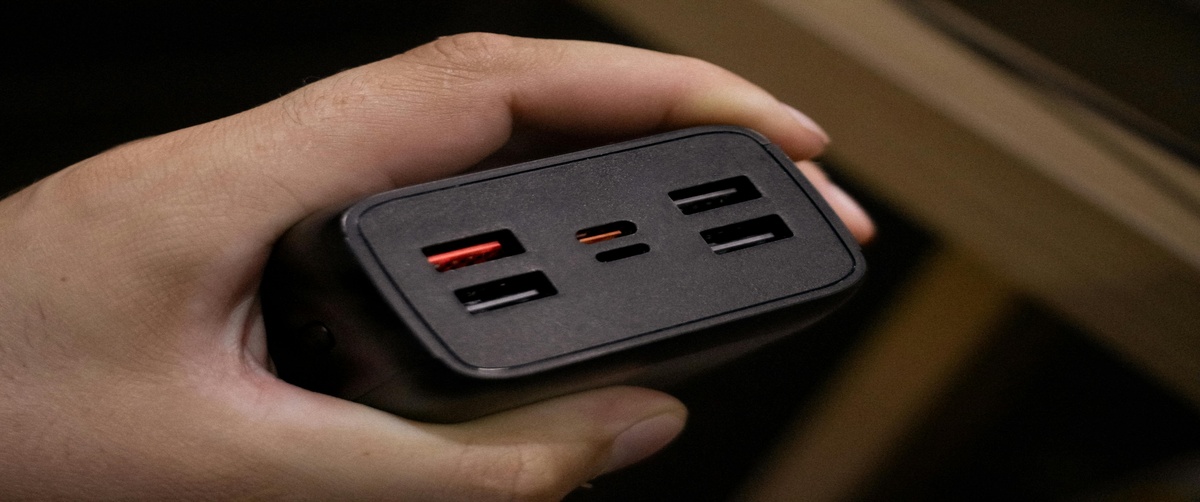
How to Fix Loose USB Connections: Solutions for Port Stability Issues
Secure unstable ports by reinforcing mounts, replacing connectors, or investing in high-quality hubs for enhanced durability.
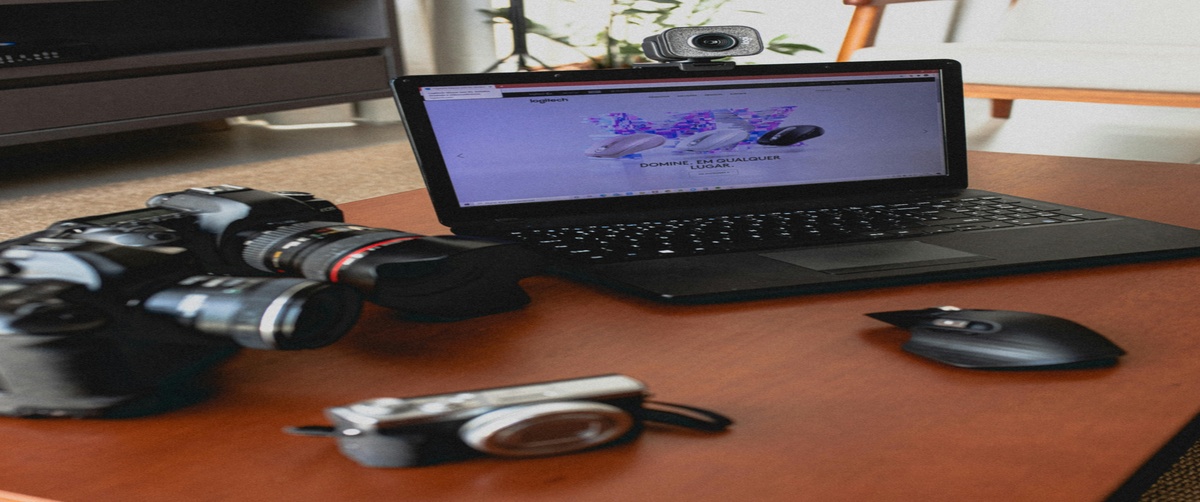
How to Fix a Faulty Webcam Lens: Cleaning & Repair Tips for Camera Problems
Cleaning and repair tips for camera lenses, improving image clarity and restoring webcam functionality for virtual meetings.
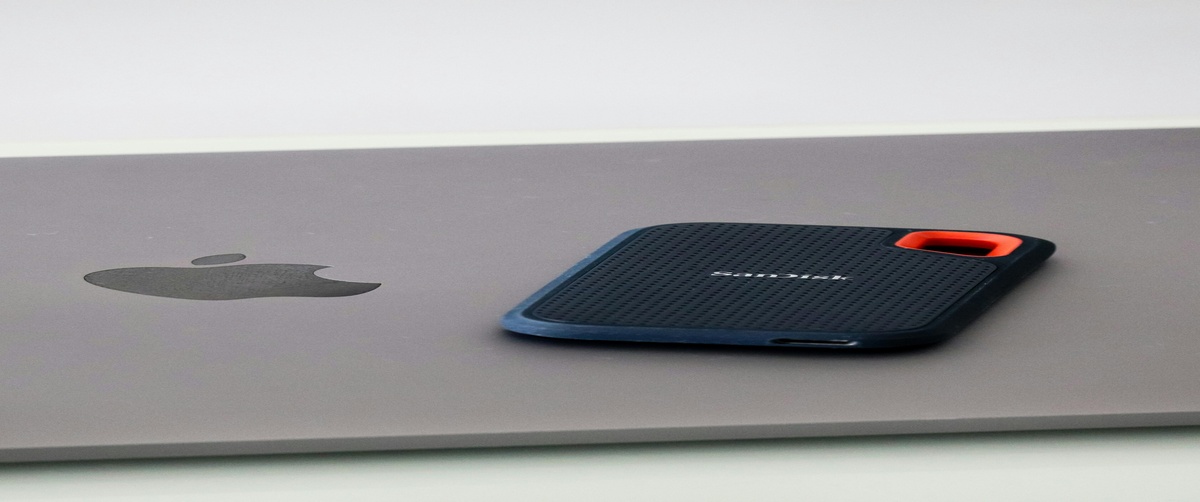
How to Fix a Faulty External Storage Device: Solutions for Data Access Problems
Recover inaccessible data by formatting drives, repairing partitions, or seeking professional recovery services when needed.
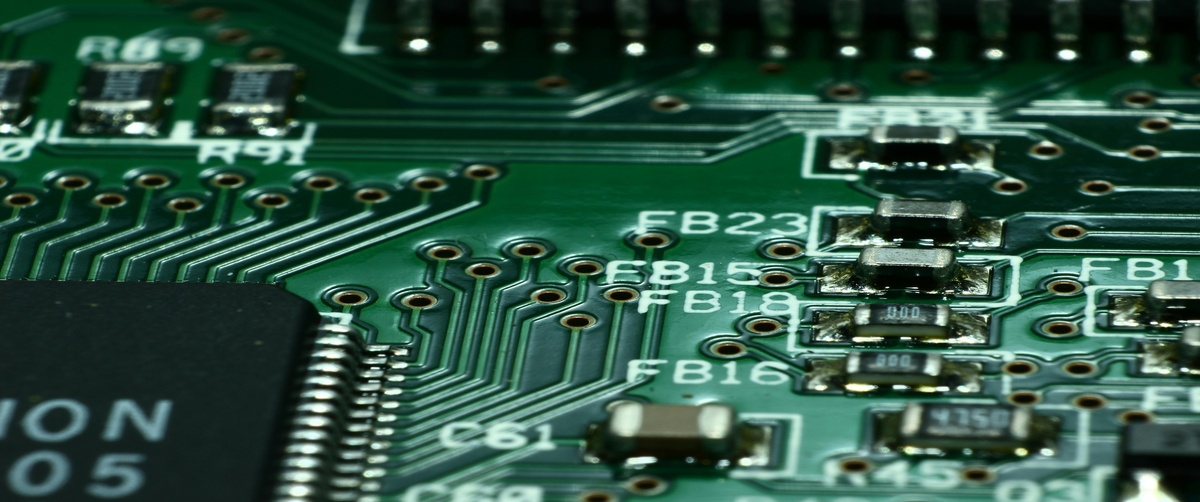
How to Fix Corrupted BIOS Settings: Step-by-Step Guide to Resetting Your BIOS Configuration
Reset corrupted BIOS configurations by restoring defaults, updating firmware versions, or performing factory resets securely.
How to Identify & Fix a Faulty Power Cable: Solutions for Power Supply Problems
Inspect cables visually, test continuity, and replace damaged wires to prevent electrical hazards and ensure stable power delivery.
How to Prevent an Overheating Laptop: Tips & Tricks for Better Thermal Management
Tips and tricks for managing laptop temperatures, including cleaning vents, using cooling pads, and monitoring usage habits.
Why Is My GPU Not Working? Comprehensive Guide to Fixing Graphics Card Problems
Fix graphics card problems by reinstalling drivers, checking connections, or upgrading outdated components for better performance.
Why Are My Headphones Not Detected? Quick Fixes for Audio Device Problems
Quick fixes for headphone recognition issues, including jack inspections, driver updates, and device manager adjustments.
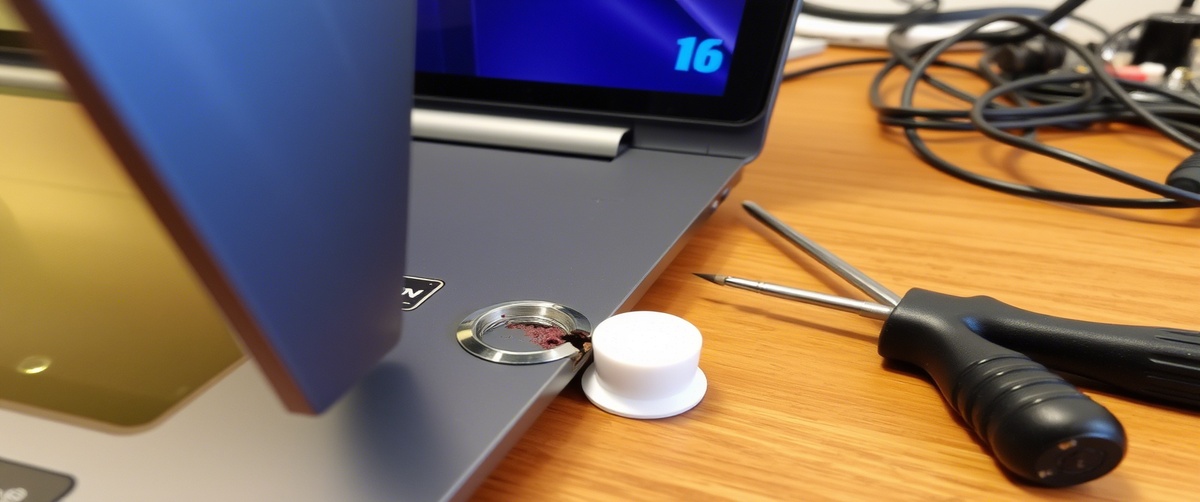
What to Do When the Power Button Is Broken: Fixes for Laptop Power Issues
Fixes for laptop power button issues, ranging from internal switch repairs to alternative startup methods via keyboard shortcuts.
Load More