
Google has upgraded its state-of-the-art AI video model Veo with version 3.1, bringing meaningful improvements that expand creative possibilities and align video generation with real-world content creation needs. This release enhances Veo’s core “Ingredients to Video” feature, adds native vertical video support, enables high-resolution outputs, and strengthens consistency and storytelling control. These changes matter not just for hobbyists and social media creators but also for professional content producers and enterprises.
In this article, we explore Veo 3.1’s capabilities, how it works, where it’s available, practical use cases, and the implications for digital media workflows today.
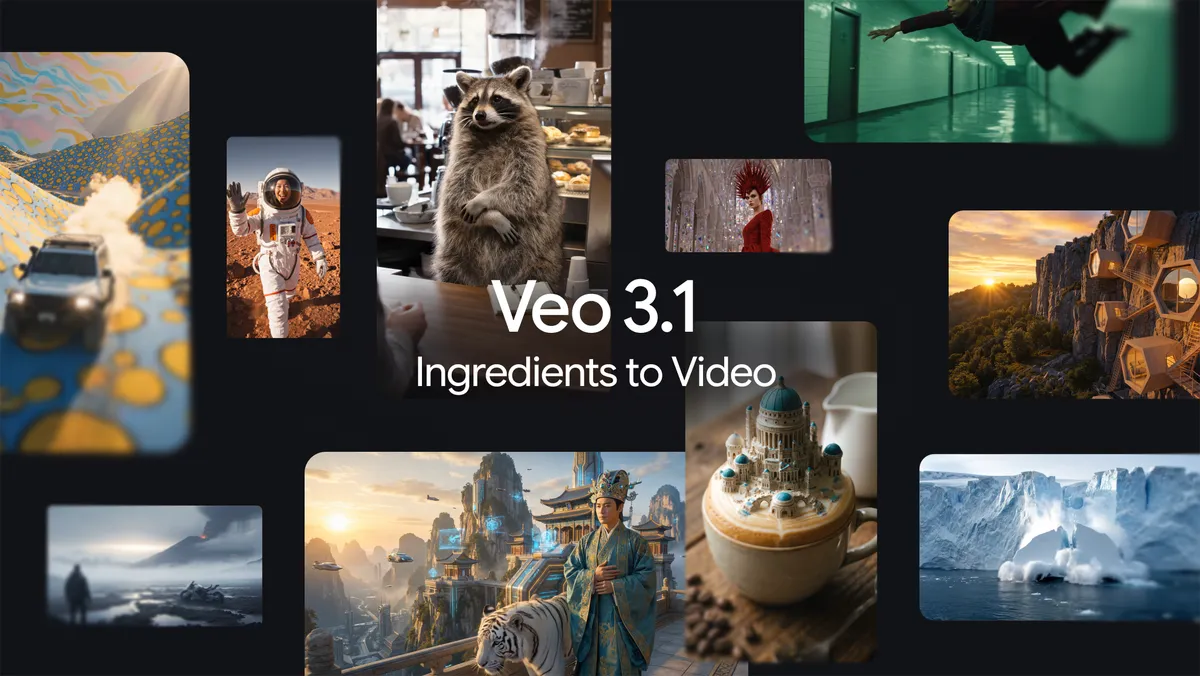
Image Credit: Google
What Is Google Veo 3.1?
Google Veo 3.1 is the latest version of Google’s AI video generation model designed to turn text prompts and visual inputs into AI-generated video content with enhanced realism, structure, and output quality. The model continues to build on the original Ingredients to Video approach, where creators supply reference images — such as a character, object, or background — as input “ingredients” and instruct the AI to animate those elements into video clips. The update focuses on elevating video coherence, expressive motion, and support for modern formats like vertical video.
Veo 3.1 is accessible through multiple Google platforms, including the Gemini app, YouTube Shorts and YouTube Create, Flow, the Gemini API, Google Vids, and Vertex AI, offering creators a range of tools from consumer apps to enterprise integrations.
Core Enhancements in Veo 3.1
Native Vertical Video Support (9:16)
One of the most practical upgrades in Veo 3.1 is native vertical video output. Unlike many AI generators that only produce horizontal video and rely on cropping for vertical formats, Veo 3.1 composes video directly in a 9:16 aspect ratio, ideal for platforms like:
- YouTube Shorts
- TikTok
- Instagram Reels
This means characters, objects, and scenes are framed and animated specifically for vertical viewing without quality loss or awkward letterboxing.
Enhanced “Ingredients to Video” Functionality
The “Ingredients to Video” feature — one of Veo’s signature capabilities — improves the way AI transforms reference images into dynamic video content. The updated model delivers:
- Better character and object consistency, helping maintain visual identity across scenes and cuts.
- Improved reuse of backgrounds, textures, and scene elements, preserving continuity across a series of clips.
- Seamless blending of disparate visual elements, enabling creative combinations like combining stylized backgrounds with animated objects and characters from different sources.
These improvements make the model more reliable for narrative content and series work, rather than isolated single-shot videos.
High-Resolution Upscaling (1080p and 4K)
Veo 3.1 introduces state-of-the-art upscaling to create higher fidelity videos that suit professional workflows. While basic generates still function at standard formats, users can now upscale to:
- 1080p — Suitable for editing and high-quality online releases.
- 4K — Ideal for cinematic or broadcast-ready projects where detail matters.
This positions Veo 3.1 as a tool not just for short-form content but for polished productions that require crisp visuals and fine detail.
More Expressive, Dynamic Output
Veo 3.1 improves on its predecessor’s creative output. The updated model generates richer motion, visual depth, and dialogue staging even with straightforward prompts. Users report that clips feel more alive and engaging, reducing the need for heavy manual post-production editing.
Integrated Audio and Cinematic Elements
The model’s audiovisual generation includes synchronized audio elements — ambient sound, dialogue, and effects — which reduces the need for external post-production work in many cases. This audio generation is especially helpful for creators aiming to produce final-ready content quickly.
Verification and Transparency with SynthID
Google embeds a SynthID watermark into all AI-generated video content. This digital marker is imperceptible to viewers but detectable by verification tools, helping safeguard authenticity and combat misinformation in the growing field of synthetic media. Users can check AI origin directly within tools like the Gemini app.
How Veo 3.1 Works: A Practical Overview
At a technical level, Veo 3.1 functions as a multi-modal generative model that interprets both text and visual “ingredients” to produce structured video clips. Users interact with the system through various interfaces depending on their workflow:
- Prompt Input — Describe the scene, action, characters, and other elements in text form.
- Visual Reference (Optional) — Upload reference images for characters, objects, environments, or styles the model should incorporate.
- Aspect Ratio Selection — Choose formats like vertical (9:16) or horizontal based on platform goals.
- Render and Upscale — The model generates the video and optionally upscales it to 1080p or 4K.
- Edit or Extend — Tools like Flow allow refinement (e.g., adding objects, controlling lighting, extending scenes).
This workflow supports a range of uses — from quick social media video generation to production workflows where narrative control and visual fidelity are priorities.
Where You Can Access Veo 3.1
Google has expanded Veo 3.1 beyond developer-centric platforms like the Gemini API and Vertex AI to more creator-friendly spaces:
- Gemini App — Direct access for content generation on mobile and desktop.
- YouTube Shorts & YouTube Create App — First integration for short-form video creation using Veo 3.1.
- Flow (AI Filmmaking Tool) — Google’s more advanced editor for multi-scene work and professional-grade video refinement.
- Google Vids — A platform tailored to showcase or host AI-generated video.
- Gemini API & Vertex AI — Infrastructure for developers and enterprises integrating Veo into custom workflows.
This breadth of access caters to casual creators, social media specialists, marketing teams, and production studios.
Use Cases: Where Veo 3.1 Shines
Social Media and Marketing
Creators can produce engaging vertical videos without manual editing, matching the demands of TikTok, Instagram Reels, and YouTube Shorts. The native 9:16 composition saves time and preserves quality for mobile consumption.
Brand Storytelling and Ads
Marketing teams can quickly generate narrative clips or product videos using consistent characters and backgrounds, while high-resolution upscaling supports broader ad placements.
Short Films and Cinematic Projects
Indie filmmakers and storytellers benefit from the improved control over scene composition, audio generation, and visual continuity across scenes — effectively lowering the technical barriers to high-quality content.
Enterprise and Workflow Integration
Enterprises can embed Veo 3.1 into automated video pipelines, generating training videos, product demos, or personalized ads at scale using the API and workflows in Vertex AI.
Limitations and Considerations
While Veo 3.1 is powerful, users should be aware of a few practical constraints:
- Computational Requirements — High-resolution generation and upscaling (4K) may require significant compute resources or paid tiers via API or enterprise plans.
- Creative Control Limitation — AI interpretation may not always perfectly match elaborate creative visions; fine tuning may still require traditional editing tools.
- Output Length and Complexity — While longer runs (up to ~30–60 seconds) are possible, extremely complex narratives may still require manual sequencing or cuts.
- Verification Needs — SynthID authentication is essential for ethical deployment in sensitive contexts, so creators should know how to use verification tools responsibly.
Conclusion: A New Phase in AI-Assisted Video Creation
Google Veo 3.1 represents a significant evolution in AI video technology. It bridges creative vision and production reality by supporting:
- Native vertical formats for mobile audiences
- High-quality upscaling to 4K
- Improved visual consistency and storytelling coherence
- Integrated audio generation and cinematic dynamics
- Broad platform and API support
These enhancements make it a compelling tool not only for individual creators and social influencers but for enterprises and production professionals seeking to scale video workflows or explore new narrative formats. As AI video generation continues to mature, models like Veo 3.1 signal a future where dynamic, high-fidelity video content is accessible with minimal technical friction.
FAQs
What is Google Veo 3.1?
Veo 3.1 is Google’s latest AI video generation model that creates expressive, realistic videos from text and reference images, with improvements in vertical support, consistency, and high-resolution upscaling.
What does “Ingredients to Video” mean?
It’s a Veo feature where users provide up to three reference images (e.g., characters, objects, backgrounds) that guide the AI’s video generation, resulting in consistent visual elements in motion.
Where can Veo 3.1 be used?
Available in the Gemini app, YouTube Shorts and Create, Flow, Google Vids, the Gemini API, and Vertex AI for consumer to enterprise needs.
What new output formats does Veo 3.1 support?
It supports native vertical (9:16) video and upscales output to 1080p and 4K for higher fidelity.
Does Google verify AI-generated videos?
Yes — Veo videos include an imperceptible SynthID watermark, and verification tools in apps like Gemini can confirm AI origin.
Is audio generated automatically?
Veo 3.1 can generate synchronized audio ambient sound, effects, and speech alongside video to produce a complete audiovisual experience.