
Why Are My USB Ports Not Working? Quick Fixes for USB Connectivity Issues

Quick fixes for USB connectivity issues, from resetting port configurations to repairing damaged ports or updating firmware.
Signs of Motherboard Failure: Causes

Understand causes of motherboard failure and explore diagnostic methods to identify and address critical hardware issues.
How to Clear a Printer Paper Jam: Step-by-Step Guide to Fixing Paper Feed Issues
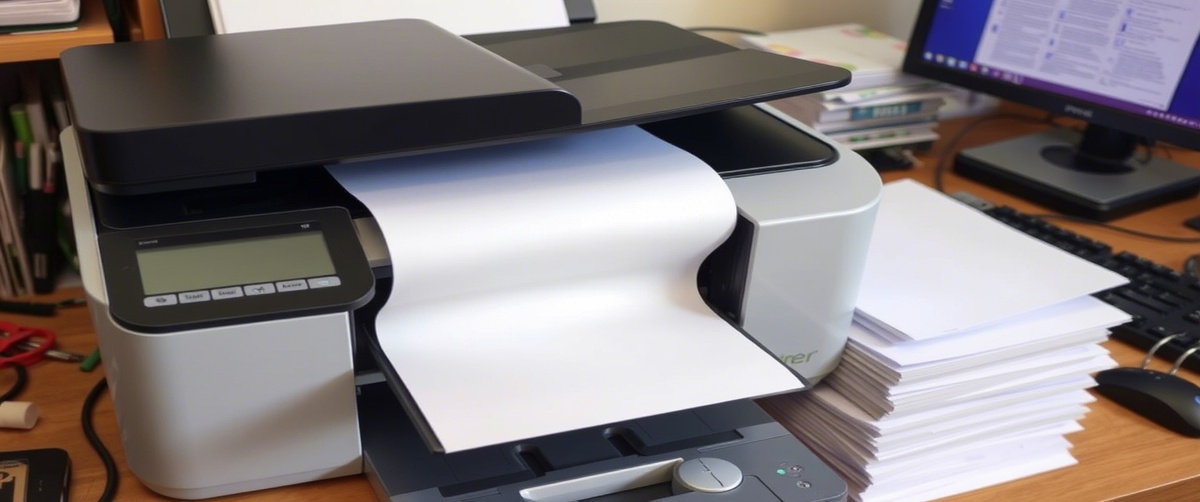
Step-by-step instructions to remove paper jams safely, preventing further damage while restoring normal printing operations.
How to Fix an HDMI Port Not Working: Solutions for Display Connection Problems

Restore display connections by troubleshooting cables, adapters, and input sources to ensure seamless video transmission.
Why Is My SSD Not Recognized? Step-by-Step Fixes for Storage Drive Problems

Step-by-step fixes for storage drive problems, including BIOS settings, cable checks, and partition recovery options.
What to Do When Your Printer Ink or Toner Is Low: Tips for Refilling & Replacing Supplies

Refill or replace cartridges efficiently, avoiding print quality degradation and extending the life of your printer supplies.
Why Is My Ethernet Port Not Working? Step-by-Step Fixes for Wired Network Issues

Step-by-step fixes for wired network issues, including checking cables, configuring settings, and resolving IP conflicts.
How to Fix a CD/DVD Drive Not Reading Discs: Solutions for Optical Drive Problems

Solutions for optical drive problems, such as lens cleaning, driver updates, and hardware replacement recommendations.
How to Fix a Wi-Fi Adapter Not Detected: Ultimate Guide to Wireless Network Problems

Ultimate guide to wireless network problems, covering driver installations, BIOS settings, and hardware replacements.
Why Is My External Monitor Not Detected? Quick Fixes for Display Connection Issues

Quick fixes for display connection issues, including input source selection, cable testing, and resolution adjustments.